
Orphaned headings at the bottom of the page
A new section starts at the very bottom of the page, while its text only begins on the next sheet. That interrupts the reading flow and looks unprofessional.
Logo, typography, font sizes and spacing: you define your layout once, centrally, and DocuNorm applies it consistently to every contract generated.
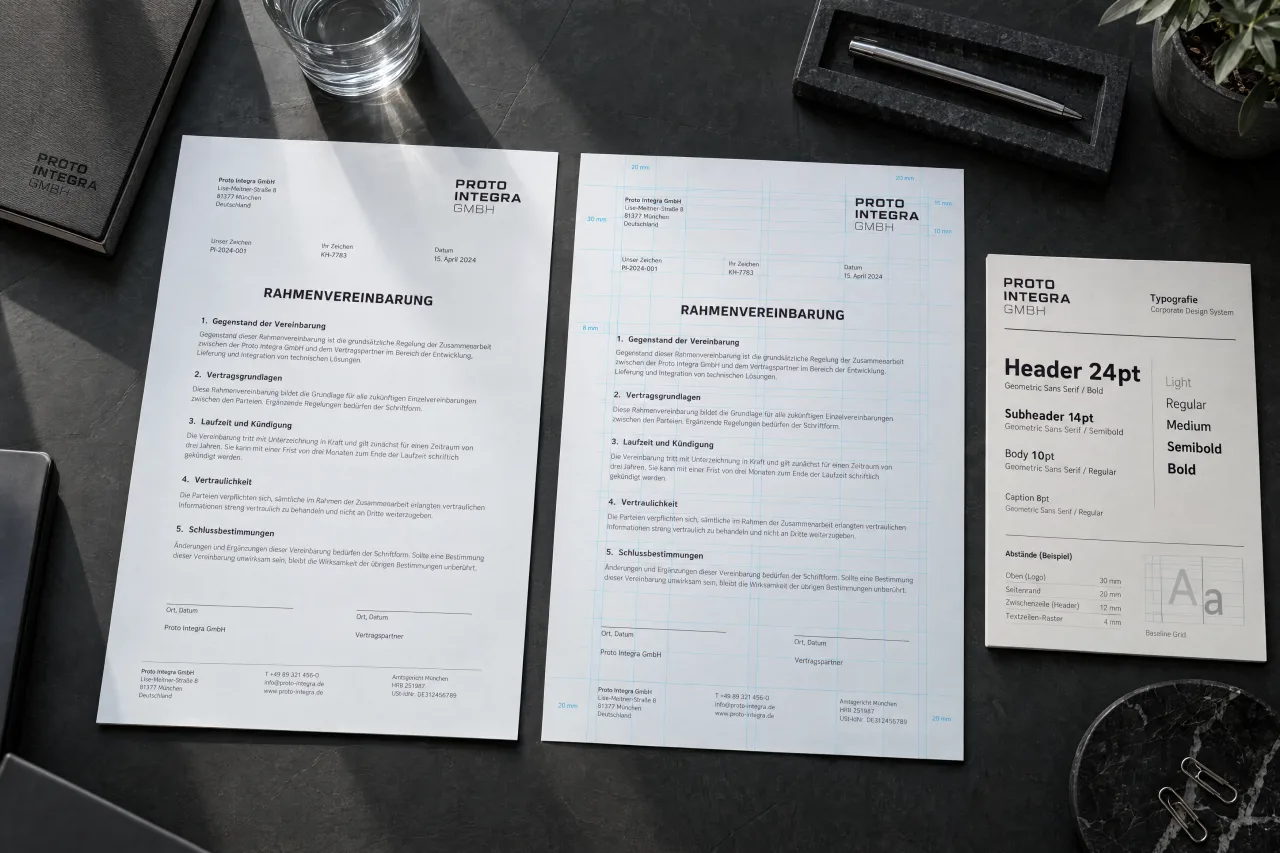
Two versions
On the left, how a contract looks after growing in a word processor for years. On the right, the same content from a template.
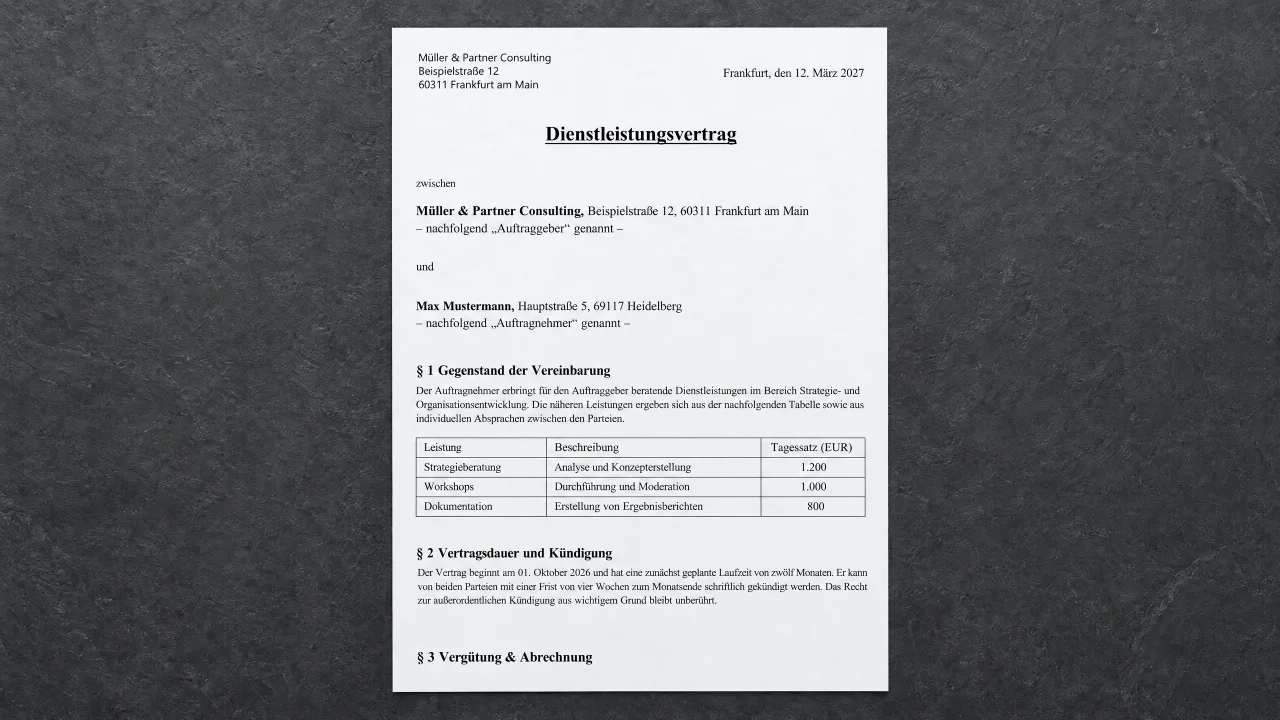
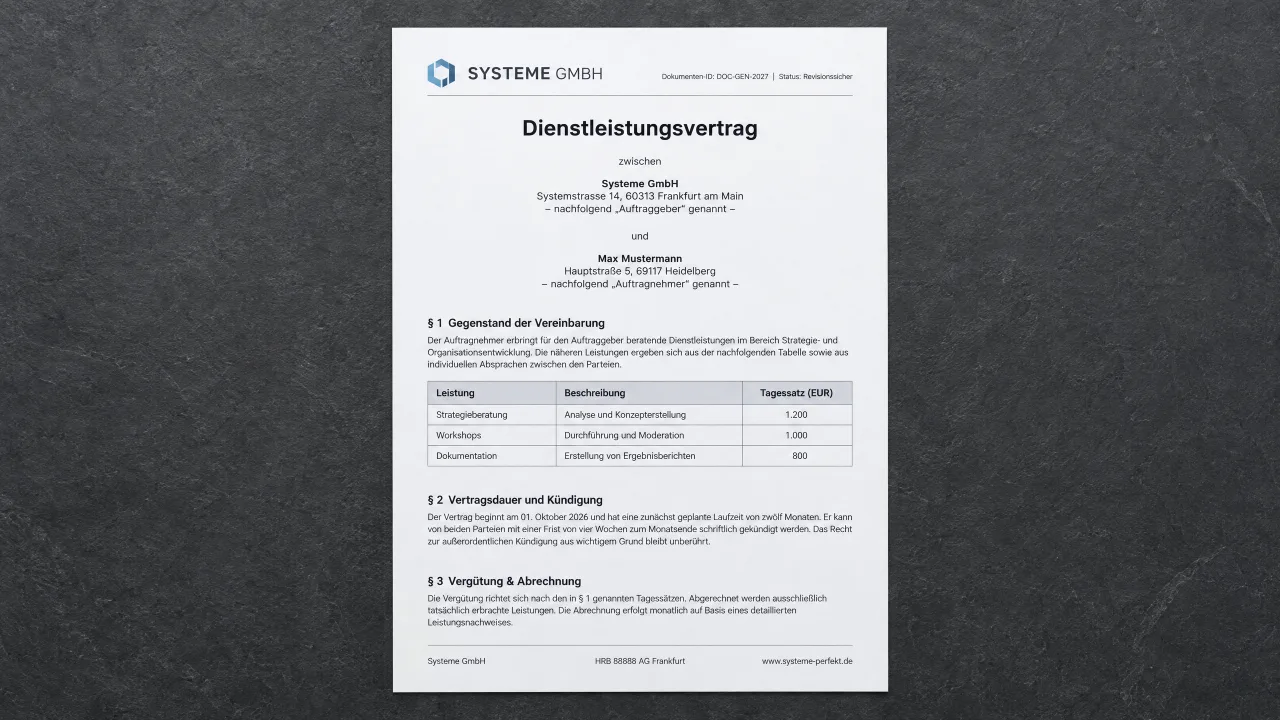
It is rarely spelling mistakes. It is three things everyone sees and hardly anyone names.
A new section starts at the very bottom of the page, while its text only begins on the next sheet. That interrupts the reading flow and looks unprofessional.
Sometimes there is more space between two paragraphs, sometimes less. That is what it looks like when someone has formatted with the Enter key.
The letterhead comes from an old template, the text from a newer one, and a pasted paragraph brings its own.
You make them once during setup. Whoever generates a contract later never has to think about any of them.
The logo goes in the header. The footer has three columns, for example company name, register and tax number, contact details. You write what goes in them.
One for headings, one for body text. With a preview, so you see what you are choosing before the first contract is typeset with it.
Font sizes for the main title, section headings and body text. A logical hierarchy is built in: lower levels cannot accidentally be formatted larger than higher ones.
The space below a heading decides whether it belongs to the following text. The space above it decides whether § 2 sticks to the last paragraph of § 1.
When typesetting
The two spacings add up. Four points below the paragraph and twelve above the heading make sixteen. In a word processor the smaller value is dropped, and the document ends up tighter than you set it up. Automatic break control: headings always stay attached to the paragraph that follows. Paragraphs are broken cleanly, without single lines left isolated at the top or bottom of a page.
Typefaces
The library sits on our servers. When typesetting, the renderer fetches nothing from the internet, so the same contract always looks the same. If a typeface is missing, a program silently replaces it with another, and nobody notices until the document is with the client. The selection is also deliberately small: not every family includes a true italic, and where it is missing, Word often just slants the regular style artificially. DocuNorm only uses genuine font styles for a crisp, harmonious appearance.
Sign up and we will notify you as soon as the free trial starts.