
A date is a date, an amount is an amount
Text, date, number, amount, list. A date is checked as a date and then written in the language of the contract. An IBAN is verified using its check digits.
DocuNorm turns your template into a finished contract PDF. With your logo in the header, your company details in the footer, completed placeholders and page breaks that never leave a heading stranded.
In three steps
The first step takes about an hour per contract type. The next two are done in a few minutes, for every further contract.
You write the contract text once and put placeholders where things change. Headings, paragraphs, bold, italics, lists. There is no more formatting than that, and a contract doesn’t need more. Text copied from Word is automatically cleaned of unnecessary formatting when pasted.
The placeholders become a form. Your own company details are already in it; you enter those of the other party.
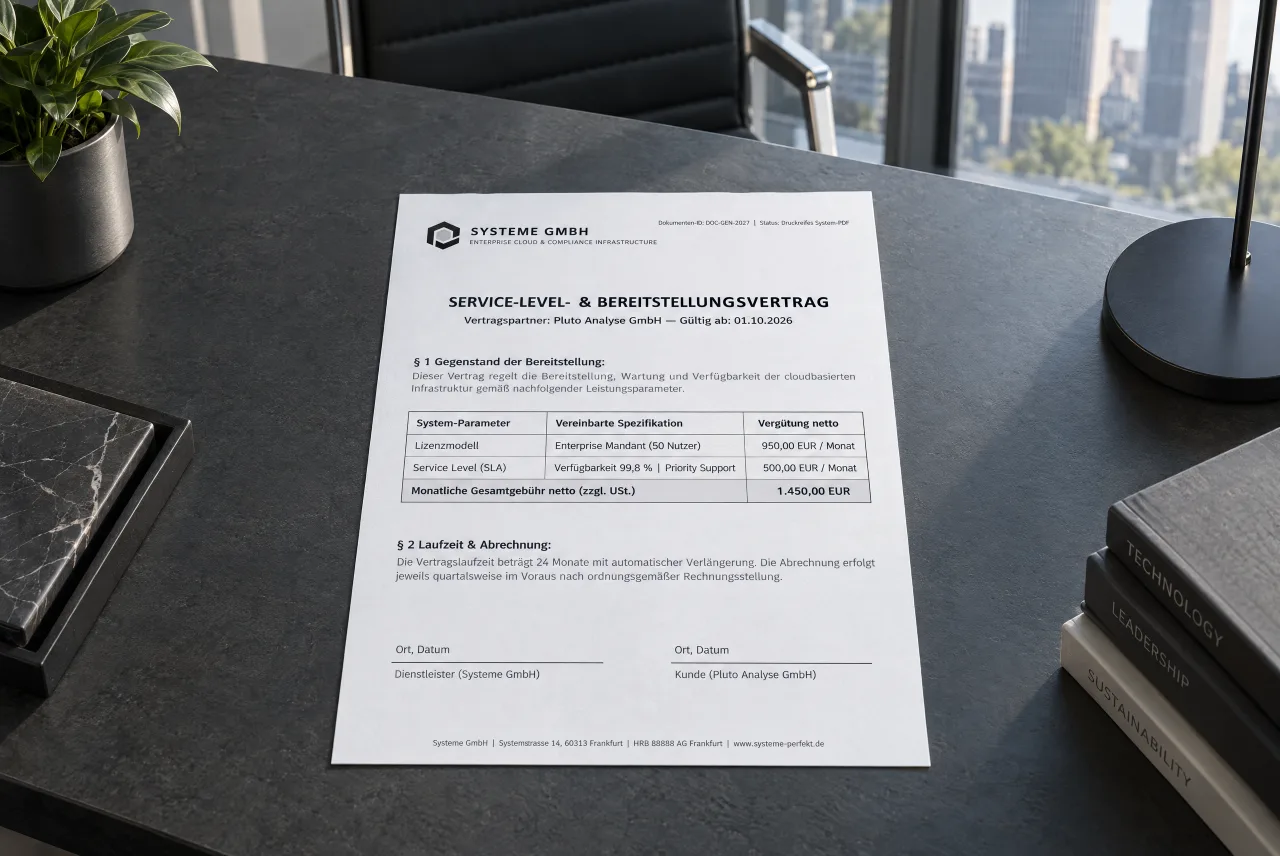
The document is typeset and ready to download. On paper it looks just as it does on screen.
What it looks like
The text is fixed, the placeholders are highlighted in colour. When you generate a contract, the form asks for exactly these spots.
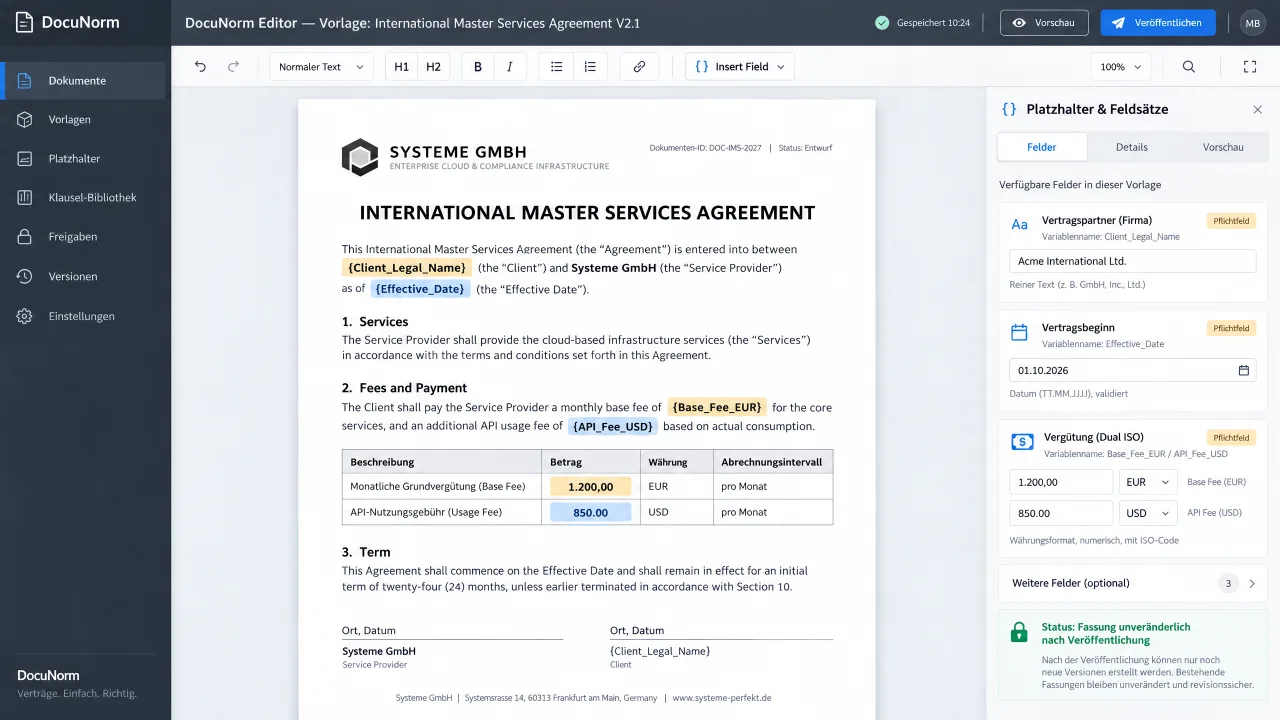
A template is text with placeholders. What it can do was chosen by what a contract really needs.
Text, date, number, amount, list. A date is checked as a date and then written in the language of the contract. An IBAN is verified using its check digits.
Company or individual, fifteen fields each. What you import is a copy: you can then rename, delete and add fields without affecting other templates.
Two parties, five parties or an additional guarantor: you define the number of signature fields flexibly in the template. Names may be left blank, as the actual signatories are often only known at the appointment.
As soon as you publish a version, it can no longer be changed. If you change a clause later, a new version is created, and the old contracts stay as they were.
Language and currency
The language you work in and the language of the contract are two different things. A German contract stays German even if you create it in English. Dates and amounts are written in the language of the contract. The currency is set on each individual amount, so a base fee in euros and a usage fee in dollars fit into the same contract. The official ISO currency code is printed (e.g. USD, CAD) to rule out confusion from ambiguous currency symbols.
Appearance
Logo, typefaces for headings and body text, sizes, line spacing and the spacing above and below each level. From then on it applies to every document you generate.
Sign up and we will notify you as soon as the free trial starts.